Building a Bench That Lasts
A desk setup is a system. A great monitor on a wobbly frame, or a great chair at the wrong height, still leaves you sore by Thursday. We built complete setups and lived at them for ten weeks.
Test Method
Our posture targets follow widely used guidance, including ISO 9241-5 on workstation layout and ANSI/HFES 100-2007, and we check furniture claims against the BIFMA X5.5 desk standard where makers cite it.
Fit the person first
Elbows at roughly 90 degrees, forearms level with the keyboard, the top of the screen at or slightly below eye level, viewing distance about an arm's length.
Wobble test
We measure side-to-side movement at the desk edge with a dial indicator while typing, at sitting and full standing height.
Light and cables
We log task lighting against the 500 lux recommended for office work in EN 12464-1, and count cables that cross the floor.
Ten weeks of use
Testers log discomfort on a simple 0–5 scale at the end of each day.
Findings
Frames: dual motors and crossbars win
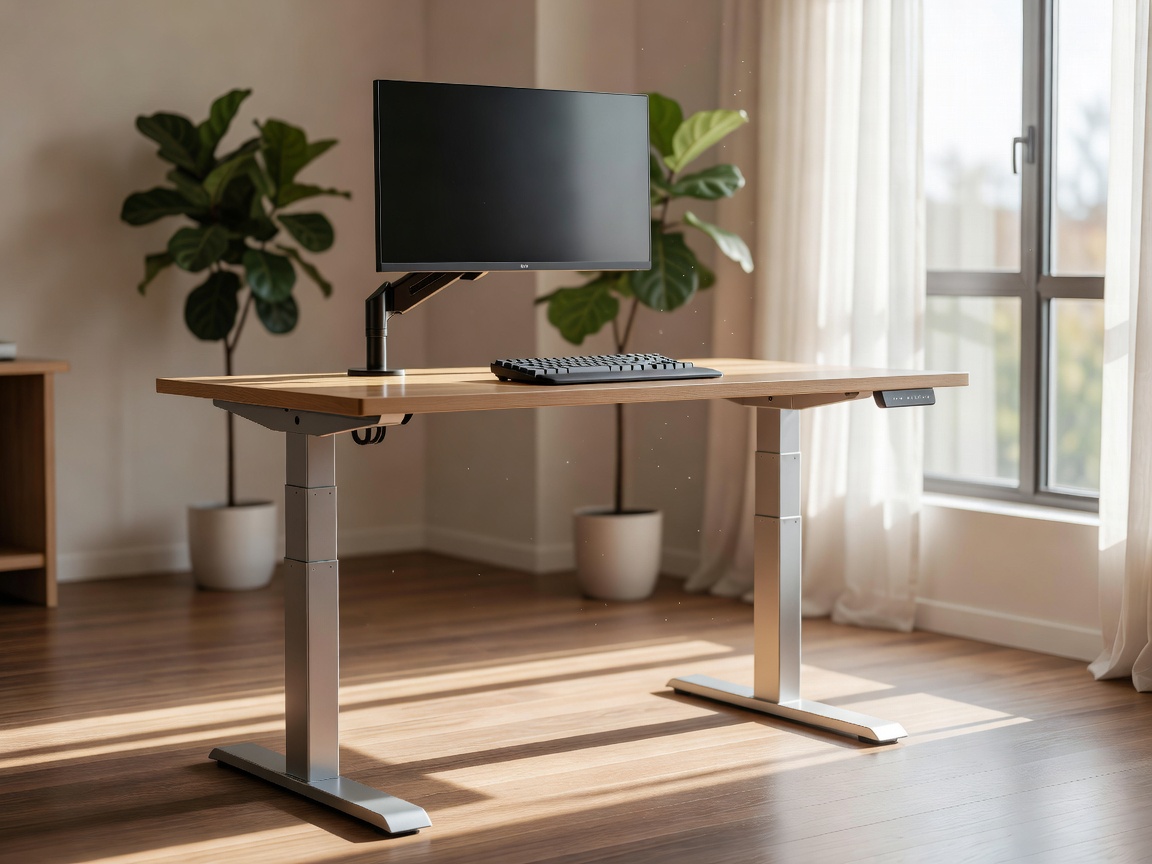
Single-motor sit-stand frames were cheaper and fine for sitting, but at standing height they swayed visibly while typing. Dual-motor frames with a rear crossbar or thick steel legs cut that movement roughly in half. If you are tall and stand often, stability matters more than speed or memory presets.
Monitor arms fix posture fast
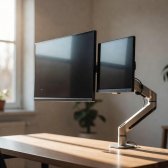
Raising the screen to eye height was the single change that most lowered neck discomfort scores. Gas-spring arms on VESA 75 or 100 mounts worked well, but only within their weight range. A heavy ultrawide on an underrated arm slowly sank through the day. Check the arm's minimum and maximum load against your monitor's weight without its stand.
Chairs: adjustability over brand
Reference chairs such as the Herman Miller Aeron and Steelcase Leap are excellent, and they often turn up refurbished at a fraction of the new price. What predicted comfort in our log was not the badge but seat depth, lumbar height and armrests that drop low enough to slide under the desk.
Setups by Budget
The Starter Bench
Spend on posture before polish.
- Fixed-height desk at about 72–74 cm, or your existing table
- Refurbished office chair with adjustable seat depth
- Single-arm gas-spring monitor mount
- Tenkeyless hot-swap keyboard and a laptop stand
- LED desk lamp with a diffuser
Trade-off: no standing option, so set a timer for walks.
The Remote Worker
Our most recommended tier.
- Dual-motor sit-stand frame with a 140 × 70 cm top
- Mid-range ergonomic chair with adjustable lumbar support
- 27-inch matte IPS with USB-C Power Delivery on an arm
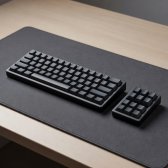
- Gasket-mount 75% keyboard and an under-desk cable tray
- Anti-fatigue mat for standing sessions
Trade-off: assembly takes an afternoon, and the frame is heavy to move.
The Long-Haul Bench
For people at the desk ten hours a day.
- Dual-motor frame with crossbar and a solid wood top
- Reference-class chair, new or certified refurbished
- 27-inch 4K or dual monitors on a heavy-duty dual arm
- Split ergonomic keyboard with tenting
- Monitor light bar and dimmable ambient lighting
Trade-off: diminishing returns. Most of the comfort is already in the middle tier.
What We Measured
| Component | Effect on discomfort | Cost impact | Priority |
|---|---|---|---|
| Monitor at eye height (arm) | Large drop in neck scores | Low | First |
| Adjustable chair | Large drop in back scores | Medium | First |
| Sit-stand frame | Moderate, with regular switching | High | Second |
| Task lighting at 500 lux | Less eye strain late in the day | Low | Second |
| Cable management | None physically, but a calmer desk | Low | Third |
Verdict
Fix screen height and chair fit first. They are the cheapest changes with the biggest effect. Add a dual-motor sit-stand frame when the budget allows, and use it to change position rather than to stand all day. Light the desk properly and the rest is taste. Pair this with our display and keyboard reports to finish the bench.