Tiny Boards, Real Projects
Benchmarks show what a board can do for thirty seconds. We wanted to know what it does for eight weeks running a home server, a wall kiosk and a garden sensor hub.
Test Method
Each board ran the same three jobs, so the comparison reflects real projects rather than synthetic scores.
Home server
Docker containers for a media server, a DNS ad blocker and file sync, running around the clock from NVMe or USB storage.
Desktop kiosk
A Chromium dashboard at 1080p with a dozen live widgets, refreshed every minute.
Sensor hub
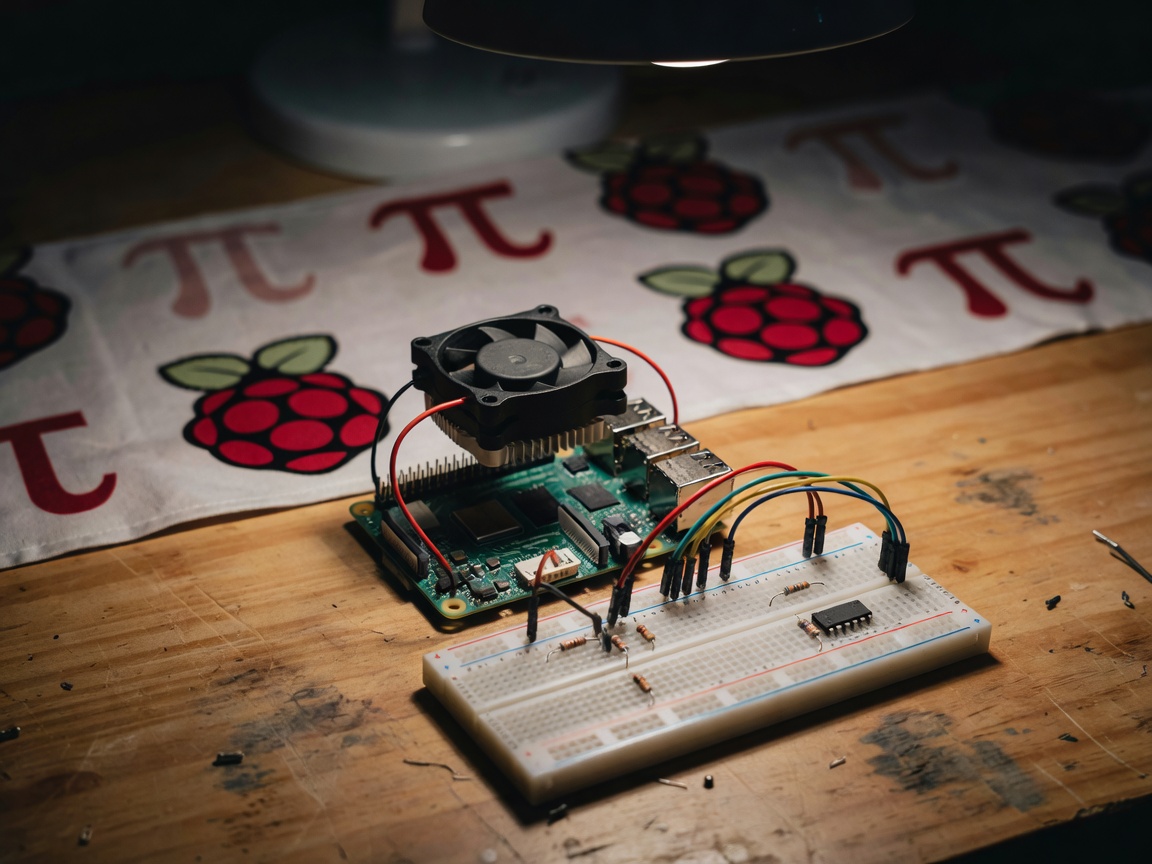
GPIO and I²C sensors logging temperature and humidity to a local database, with a microcontroller on the network for comparison.
Measurements
Wall power at idle and under load using a plug-in meter, surface temperature with a thermal camera, and boot-to-service time after a power cut.
Findings
Raspberry Pi 5: still the reference
The Raspberry Pi 5 uses the Broadcom BCM2712, a quad-core Arm Cortex-A76 at 2.4 GHz, plus the RP1 I/O chip and a single-lane PCIe connector. In our server job it was the first board where an NVMe drive on an M.2 HAT made the whole system feel like a small PC rather than a hobby project. Raspberry Pi OS, now based on Debian Bookworm, installed cleanly and every container we tried had an arm64 image ready.
The trade-offs are power and heat. The Pi 5 wants the official 27 W USB-C supply (5.1 V, 5 A). On a generic 15 W phone charger it limited USB current and warned us about it. Without cooling it throttled within minutes of a sustained build. The official Active Cooler fixed that completely and stayed quiet enough for a bedroom shelf.
RK3588 boards: more power, more homework
Boards built on Rockchip's RK3588 and RK3588S, such as the Radxa Rock 5B and Orange Pi 5, have eight CPU cores and an NPU rated at 6 TOPS. In raw throughput they beat the Pi 5, and our kiosk dashboard felt smoother. But we spent noticeably more evenings on images, device trees and kernel versions. Hardware video decode and NPU support depended on vendor builds that lag behind mainline Linux. These boards suit someone who enjoys that work. For a first project they are a frustrating choice.
Microcontrollers are not small computers
For the sensor job, an Espressif ESP32 running ESPHome drew a fraction of the power and simply never crashed. An Arduino Uno R4 WiFi handled the same sensors with simpler code. Neither runs Linux, and that is the point: if the job is reading a sensor and sending a number, a microcontroller is cheaper, cooler and more reliable than any single-board computer.
Alternatives worth naming
For machine vision, the NVIDIA Jetson Orin Nano is in a different league, at a different price. For a plain home server, a second-hand x86 mini PC often costs about the same as a Pi 5 kit with case, cooler, supply and NVMe, and it runs everything without arm64 caveats. We say this plainly because it saves people money.
What We Measured
| Board class | Server job | Kiosk job | Software effort | Verdict |
|---|---|---|---|---|
| Raspberry Pi 5 + Active Cooler + NVMe | Stable | Smooth at 1080p | Low | Buy |
| Raspberry Pi 4 (existing owners) | Stable, slower I/O | Acceptable | Low | Keep using |
| RK3588 boards | Fast | Smoothest | High | Tinkerers only |
| ESP32 with ESPHome | Not applicable | Not applicable | Low | Buy for sensors |
| Used x86 mini PC | Fastest | Smooth | Lowest | Buy for servers |
Verdict
Buy the Raspberry Pi 5 if you want a board with GPIO and you value documentation, community answers and long software support over raw speed. Budget for the official supply, the Active Cooler and an NVMe drive from day one, because they turn a fiddly board into a dependable one. Pick an RK3588 board only if you need the extra cores or the NPU and are happy to maintain your own images. For a single sensor, use an ESP32. For a server with no GPIO needs, a used mini PC may be the smarter buy.