Switches, Stabilisers and Long Days
Most keyboard reviews end after an afternoon. Ours start there. Every board on this page was our only keyboard for at least six weeks of writing, coding and chat.
Test Method
A keyboard is a tool you touch thousands of times an hour, so small faults compound. Our method is built to surface the ones that only show up with time.
Out-of-box audit
We check switch seating, stabiliser lubrication, keycap material (ABS or PBT), legend method and the layout: ANSI or ISO, plus where the arrow keys and Escape actually sit.
Sound baseline
A sound level meter at 50 cm records typing on a standard passage, A-weighted. We also record audio so you can hear the difference between a muted thock and a hollow clack.
Six weeks of work
The board replaces our daily driver. We log fatigue, mistypes, wireless dropouts and anything that rattles.
Firmware and repair
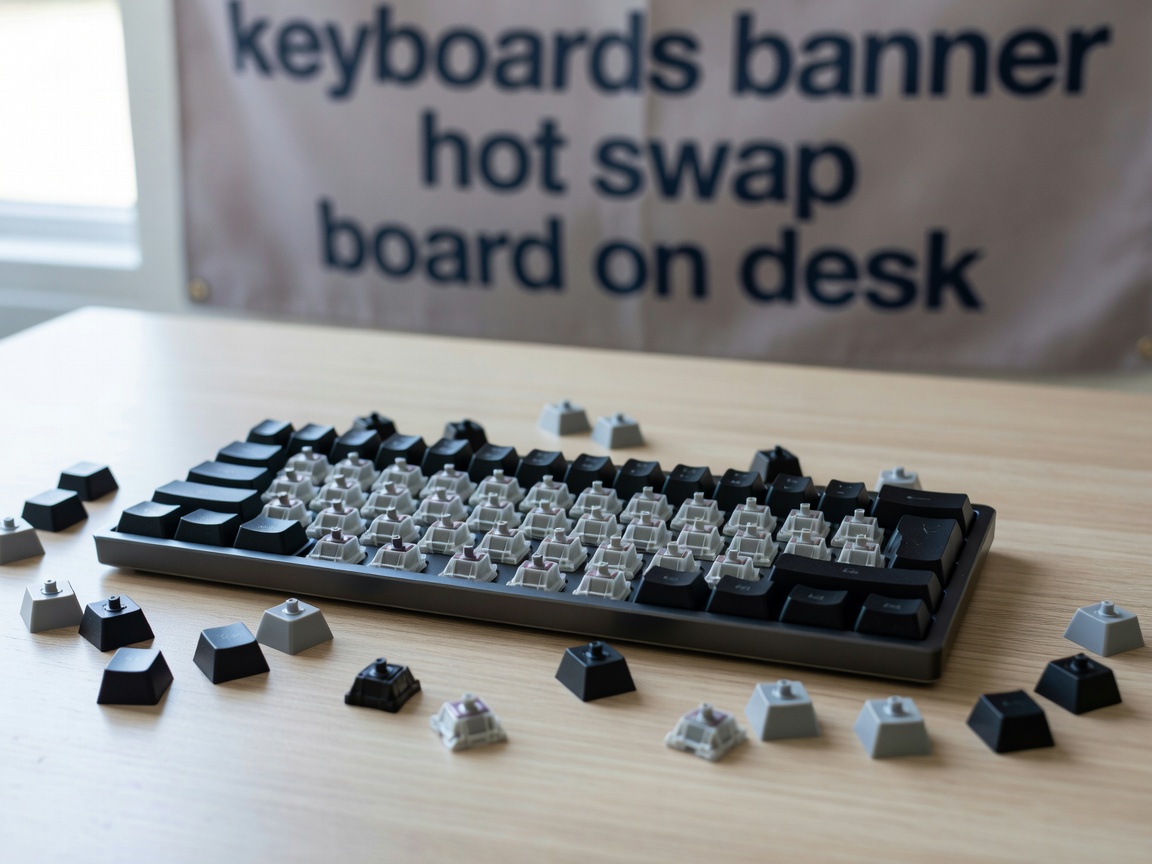
We remap layers in QMK, VIA or ZMK where supported, swap switches on hot-swap boards and see how easily the case opens.
Findings
Switch type matters less than switch weight
Linear, tactile and clicky switches from Cherry, Gateron and Kailh all have fans, and none is objectively better. What did show up in our logs was weight. Testers on switches heavier than about 60 g at bottom-out reported tired fingers by week three. Switches around 45 g felt light enough for long sessions without causing accidental presses. If you rest your fingers heavily on the keys, go slightly heavier. If you type with a light touch, go lighter.
Clicky switches remain the fastest way to annoy a household or a video call. Linears with a softer bottom-out were the quietest boards we measured. Tactiles sat in the middle and suited writers who like a clear signal that a key has registered.
Stabilisers decide whether a board sounds cheap
The space bar, Enter, Shift and Backspace use stabilisers, and that is where budget boards give themselves away. Dry or loose stabilisers rattle, and the rattle gets worse as the factory grease migrates. Two of the boards we tested sounded fine on day one and were noticeably noisier by week four. Screw-in PCB stabilisers held up best. Plate-mounted ones were acceptable when well lubricated.
Mounting style changes the feel more than the case
Tray-mount boards bolt the PCB straight to the case and feel stiff, with uneven flex across the board. Gasket-mount designs float the plate on foam or silicone and feel softer and more even. Plate material adds its own character: aluminium is firm and loud, polycarbonate and FR4 are softer. Gasket boards cost more and weigh more, but our testers preferred them for days longer than six hours.
Wireless is good now, with conditions
Tri-mode boards (2.4 GHz dongle, Bluetooth, USB-C) were stable on the dongle. On Bluetooth, the first keystroke after sleep was sometimes lost, which matters to coders who wake the machine with a shortcut. Battery life ranged from two weeks to several months, depending almost entirely on whether the backlight was on.
What We Measured
| Configuration | Typing sound | Fatigue after 6 h | Repairability | Best for |
|---|---|---|---|---|
| 75% gasket, hot-swap, 45 g linear | Low, muted | Low | High | Writers, coders, shared rooms |
| TKL tray mount, tactile | Medium | Medium | Medium | Budget all-rounders |
| Full-size, clicky, soldered | High | Medium | Low | Solo offices, number entry |
| Low-profile wireless TKL | Low | Low | Low | Travel, laptop stands |
| Split ergonomic, ZMK | Low to medium | Lowest | High | Wrist or shoulder strain |
Verdict
For most hobbyists and remote workers, a 75% or tenkeyless board with hot-swap sockets, screw-in stabilisers and light linear or tactile switches is the safest buy. It costs more than an entry-level membrane board, but it stays quiet, can be repaired at the desk and remaps to whatever your work needs. If you get pain in your shoulders or wrists, try a split layout before spending more on premium switches. The posture change does more than any switch can.
Skip clicky boards if you take calls, and be wary of very cheap boards with plate stabilisers, because the rattle is likely to get worse. Read the desk setups report for keyboard height and tray advice.